Intentional digital self-control

You decide the rules. VoidAccess helps you keep them.

VoidAccess helps you follow through on the limits you set for yourself. Block distracting apps for a chosen time, define your own unlock cost, and create distance from automatic digital habits.

Download placeholder

Later: link this button to your Google Play Store page.
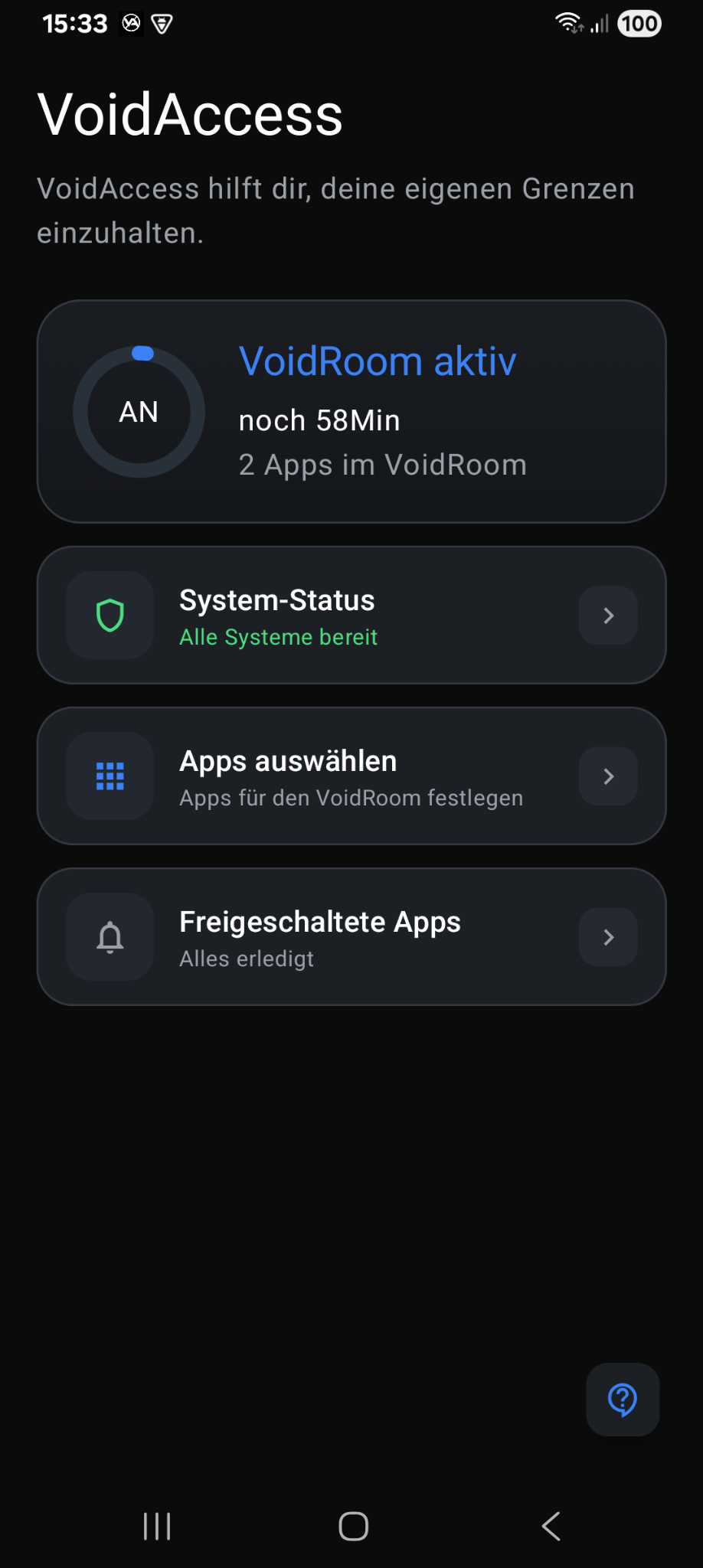
VoidAccess dashboard

Built for self-control — not surveillance.

VoidAccess is for people who want to take their own boundaries seriously. No external control. No manipulation. You decide beforehand — and the app helps you stick to your own decisions.

100% private

Everything happens locally on your device. No cloud, no tracking, no personal data collection.

Your rules

Choose exactly which apps get blocked, for how long, and which unlock cost should apply.

Intentional friction

The unlock cost is a deliberate hurdle designed to help you stay with your own limits.

How VoidAccess works.

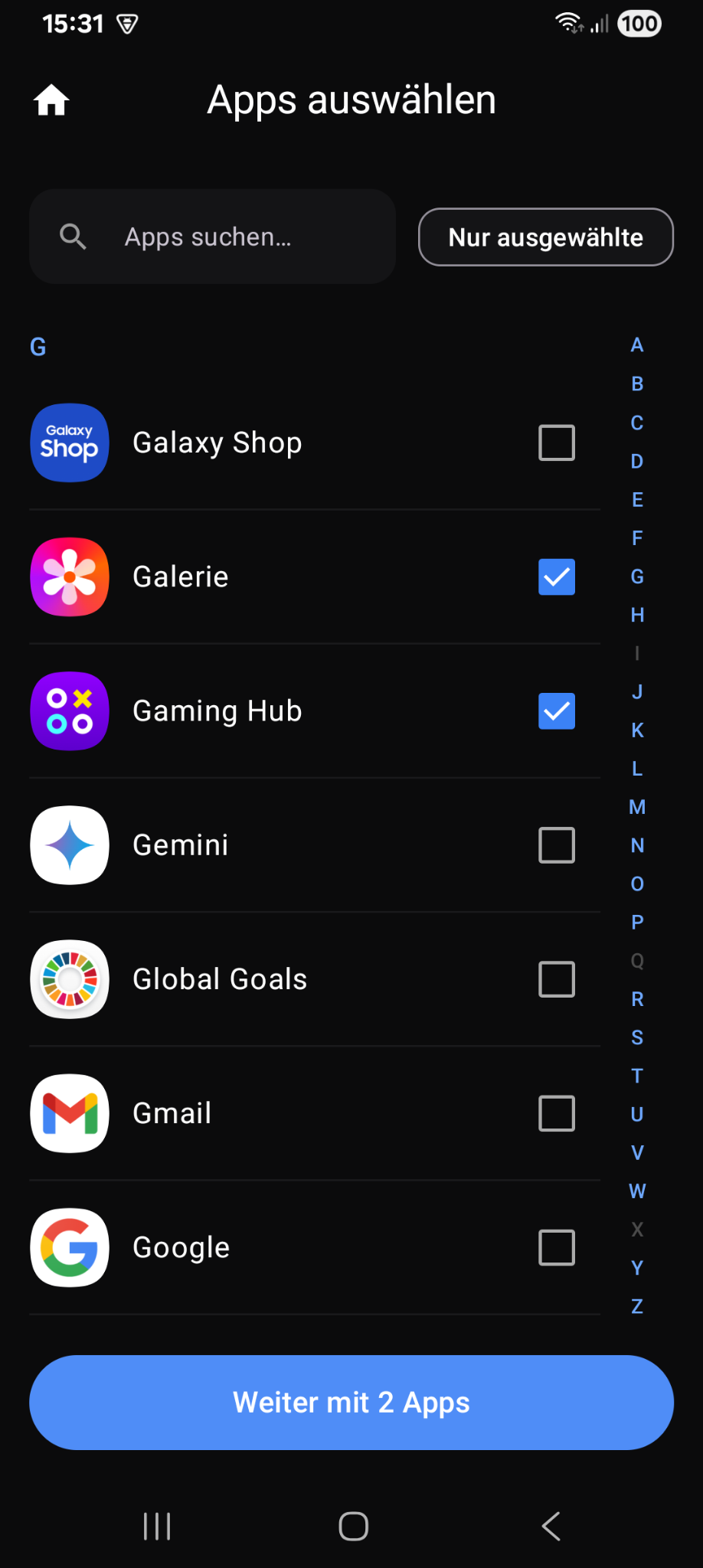
Select apps

Choose every app yourself

Select the apps that should be part of your VoidRoom. You stay in control of what gets restricted.

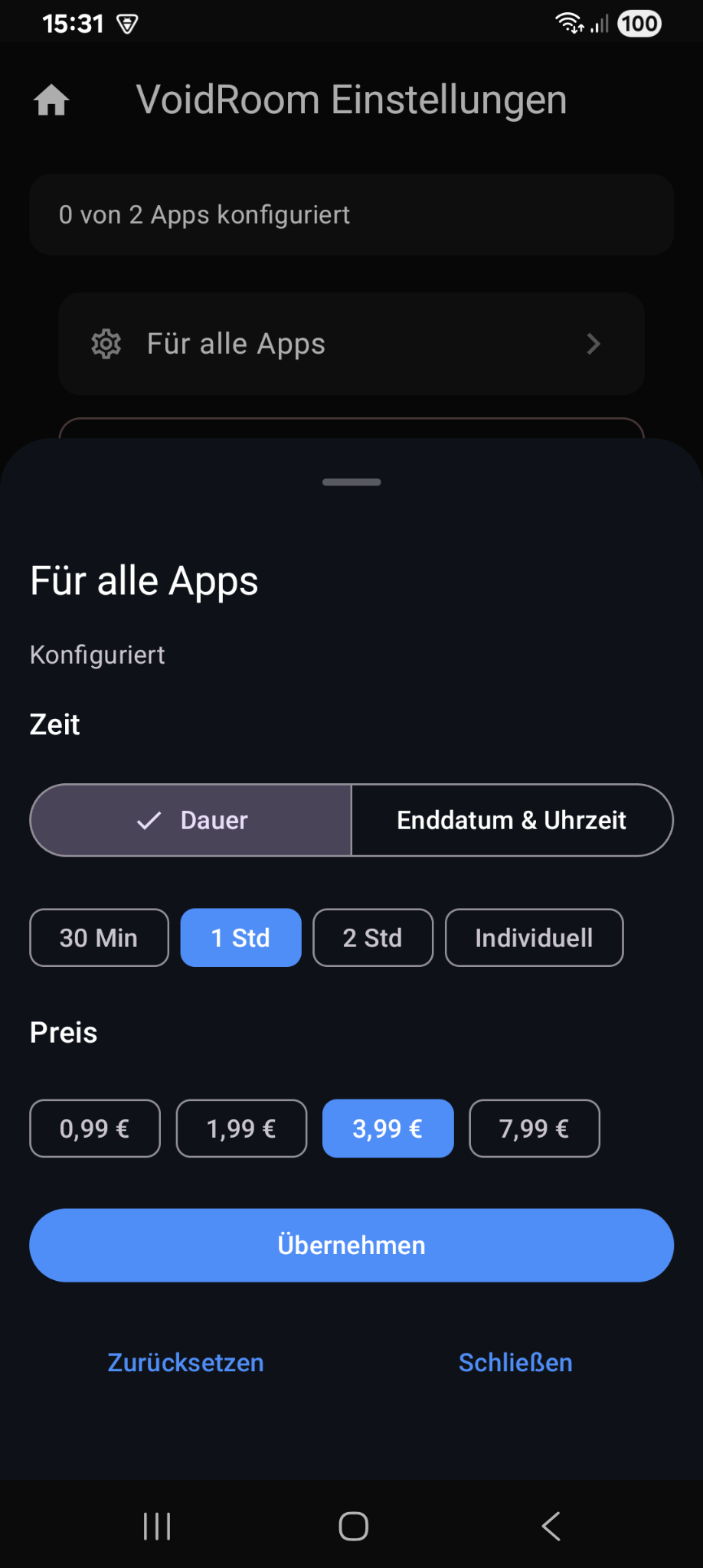
Set time and unlock cost

Set time and unlock cost

Before each session, you decide how long the lock lasts and choose the unlock cost. The cost exists as a conscious hurdle, not as a subscription or advertising model.

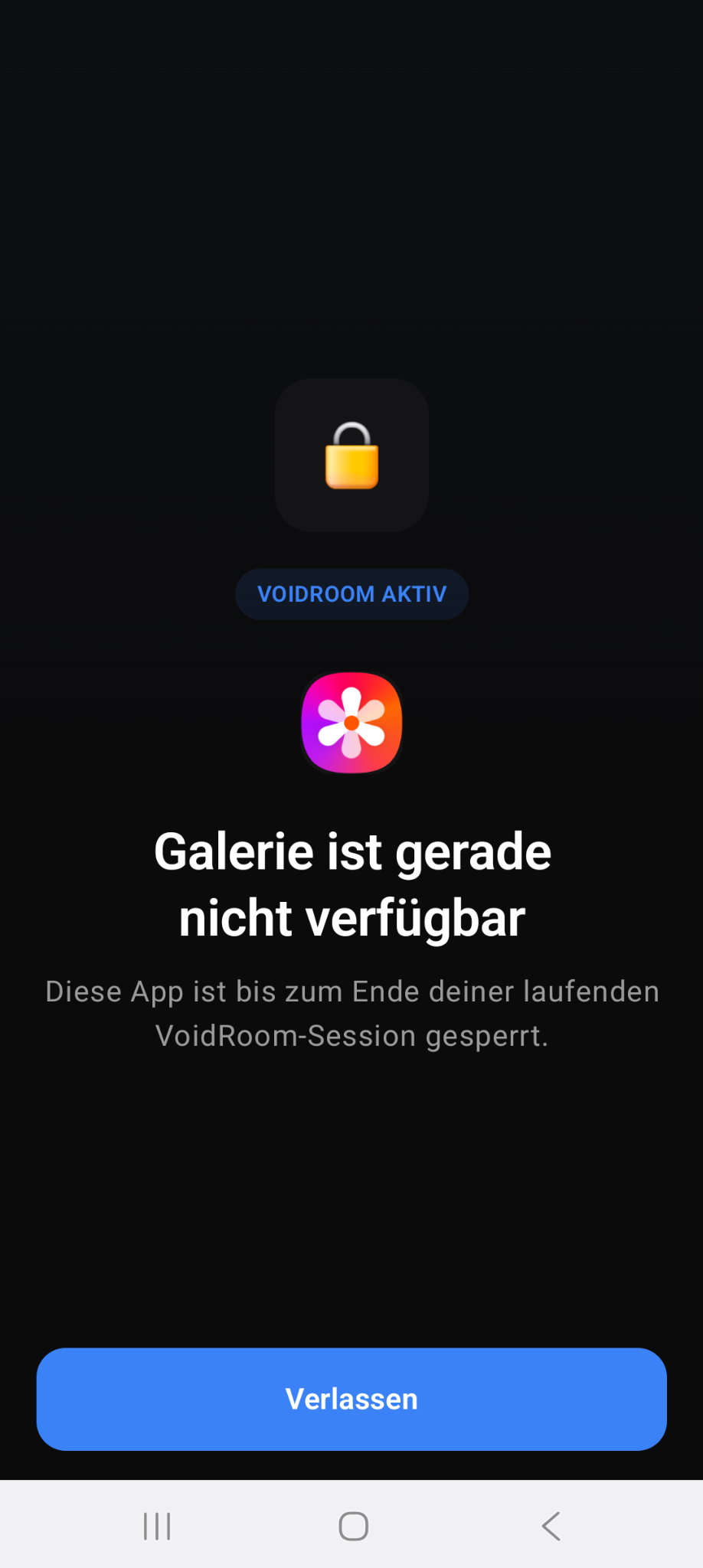
Blocked app screen

Stay with your own decision

When a selected app is blocked, VoidAccess reminds you of the limit you set for yourself.

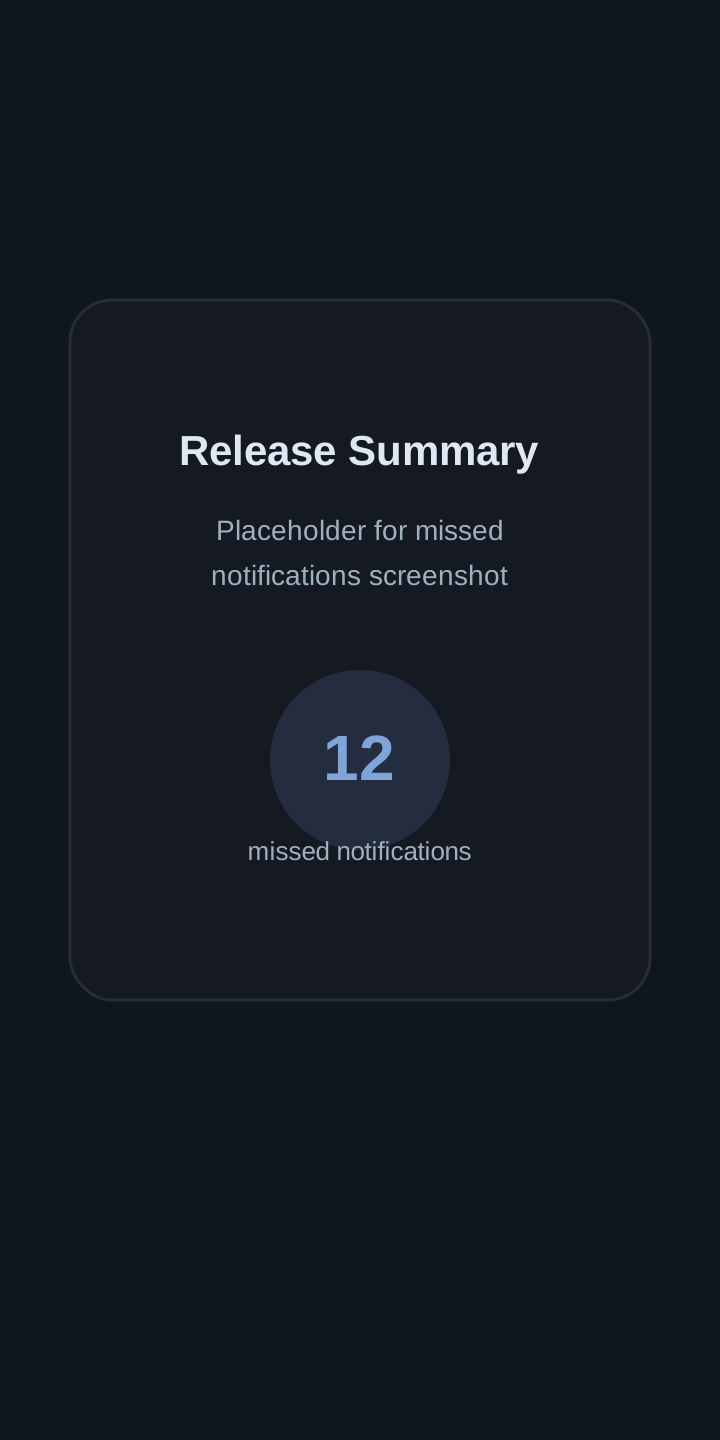
Release summary placeholder

Release Summary placeholder

Later, place your screenshot here showing how many notifications were missed during the VoidRoom session.

Replace assets/release-summary-placeholder.svg with your future screenshot.

Transparency first.

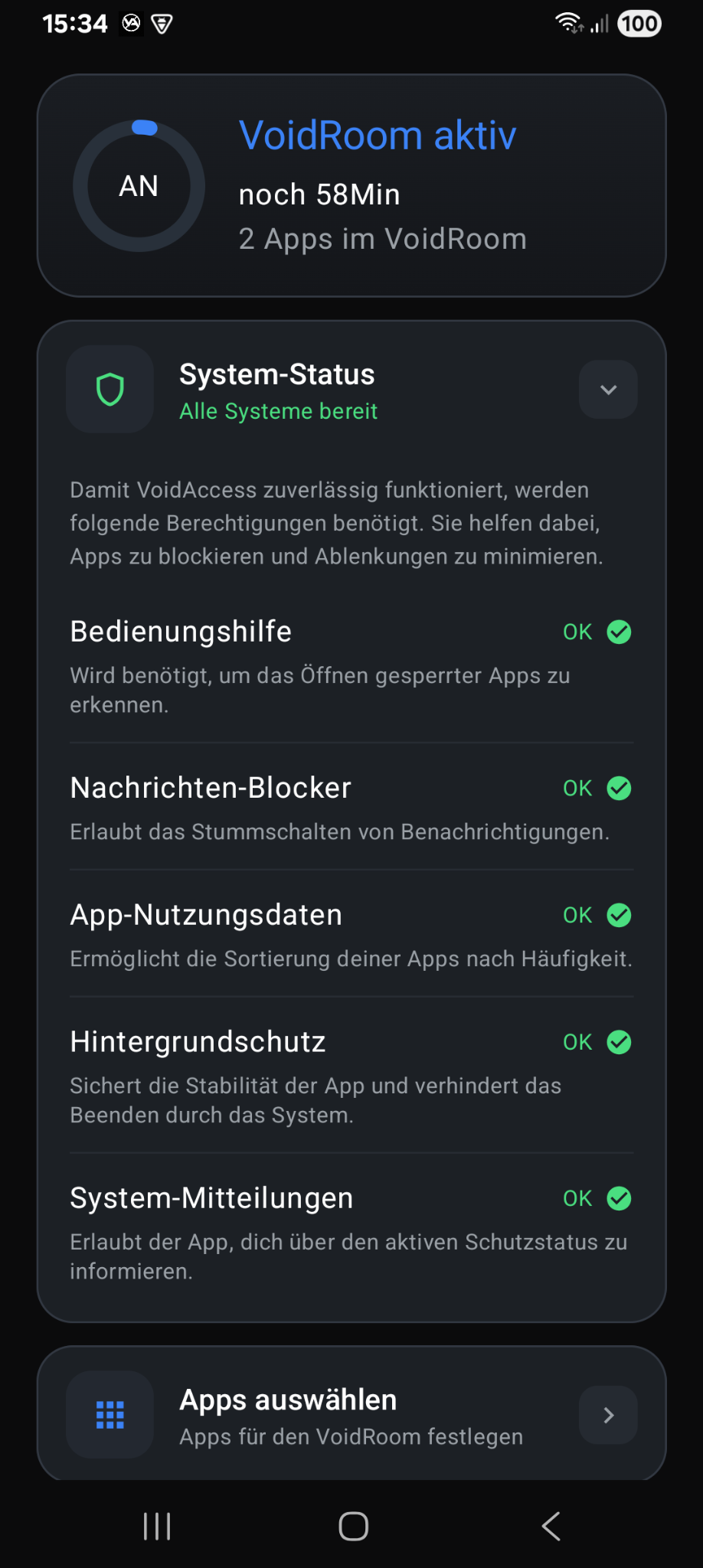
System status permissions

Accessibility access is only used to detect and block selected apps. VoidAccess does not read messages, chats, or personal content. No advertising. No hidden trackers. Everything stays on your phone.

Download placeholder.

Coming to Google Play

This area is reserved for your future Google Play link. The most common setup is a Google Play button plus an optional QR code for desktop visitors.

Google Play link later

Later: replace the # with your Play Store URL.

Google Play placeholder

About Friction Systems

Friction Systems is an independent project focused on digital self-control. The app is free to use. You only pay if you decide to unlock your own lock early. The money helps fund the continued development and improvement of the app.