Intentional digital self-control

You decide the rules. VoidAccess helps you keep them.

VoidAccess helps you follow through on the limits you set for yourself. Block distracting apps for a chosen time, define your own unlock cost, and create distance from automatic digital habits.
Download placeholder

Later: link this button to your Google Play Store page.

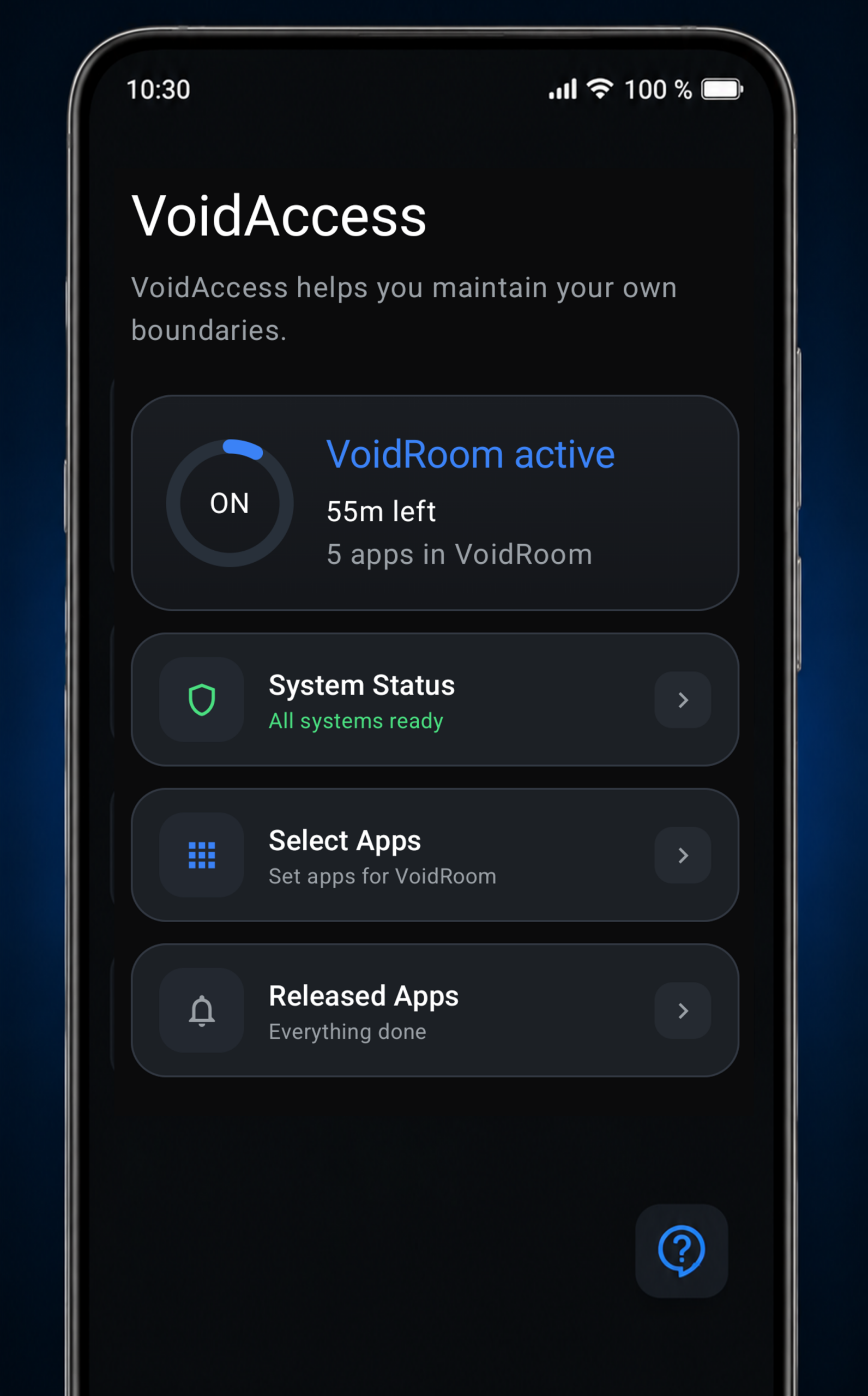
VoidAccess dashboard

Built for self-control - not surveillance.

VoidAccess is for people who want to take their own boundaries seriously. No external control. No manipulation. You decide beforehand - and the app helps you stick to your own decisions.

100% private

Everything happens locally on your device. No cloud, no tracking, no personal data collection.

Your rules

Choose exactly which apps get blocked, for how long, and which unlock cost should apply.

Intentional friction

The unlock cost is a deliberate hurdle designed to help you stay with your own limits.

How VoidAccess works.

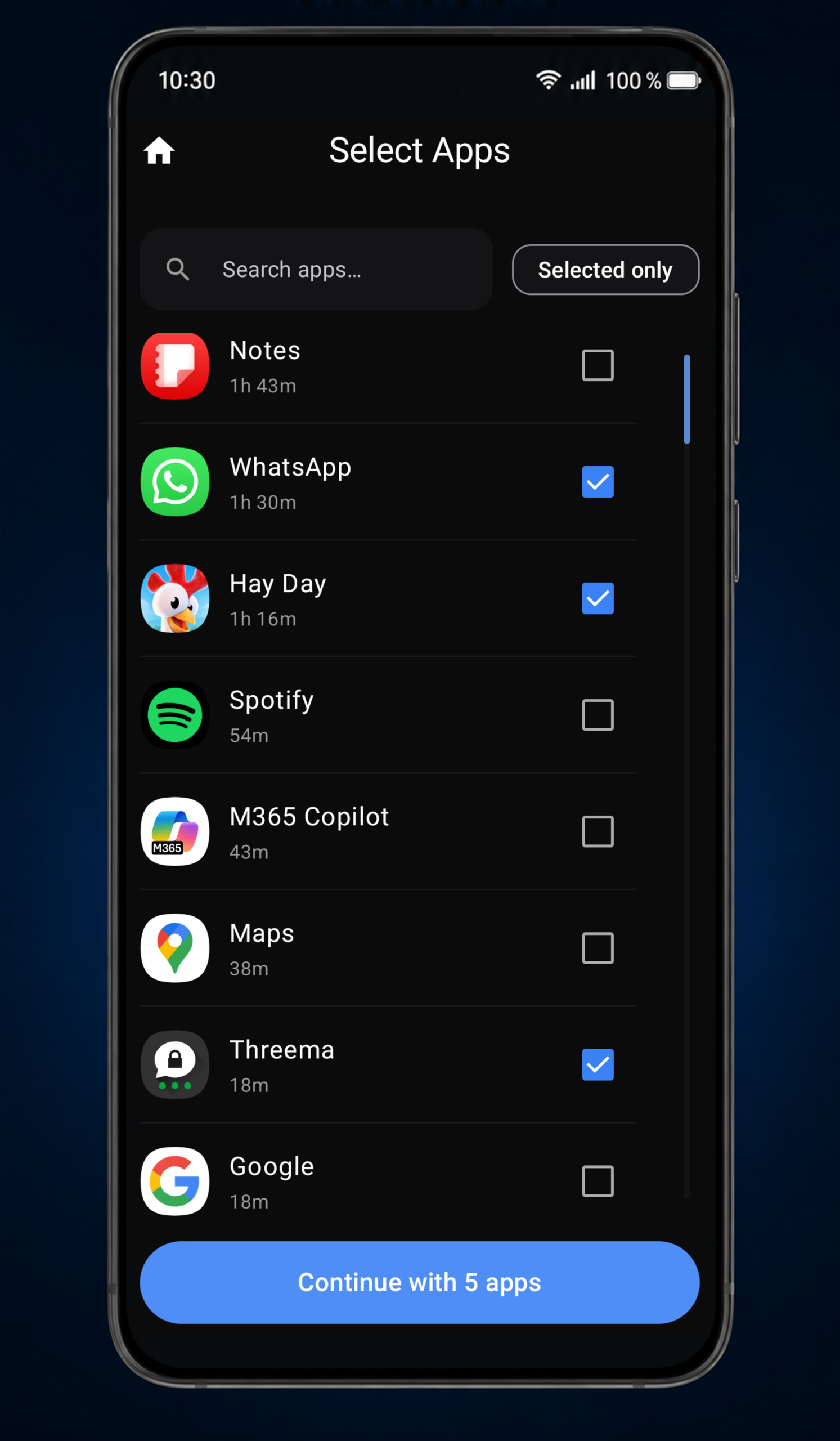
Select apps

Choose every app yourself

Select the apps that should be part of your VoidRoom. You stay in control of what gets restricted.

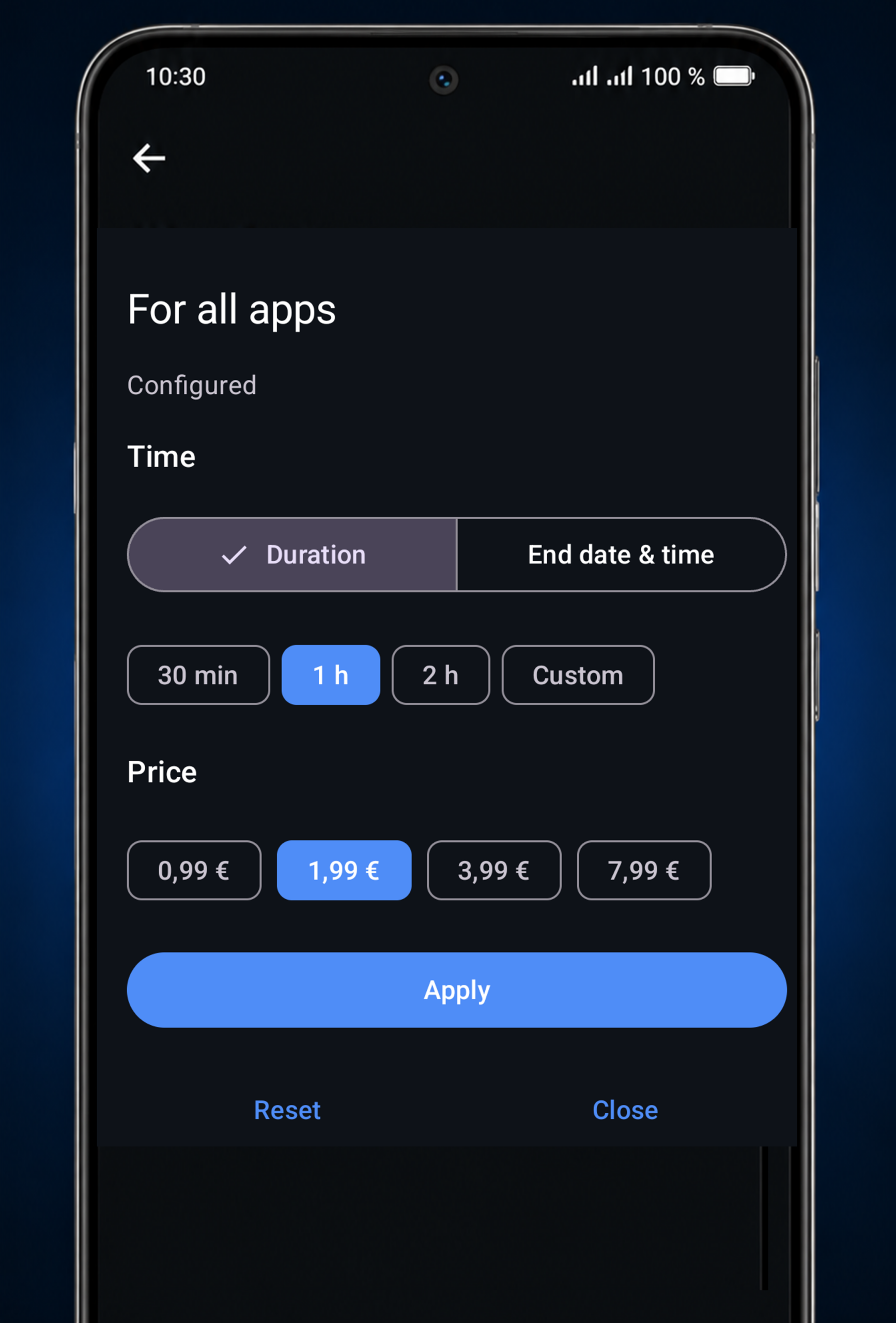
Set time and unlock cost

Set time and unlock cost

Before each session, you decide how long the lock lasts and choose the unlock cost. The cost exists as a conscious hurdle, not as a subscription or advertising model.

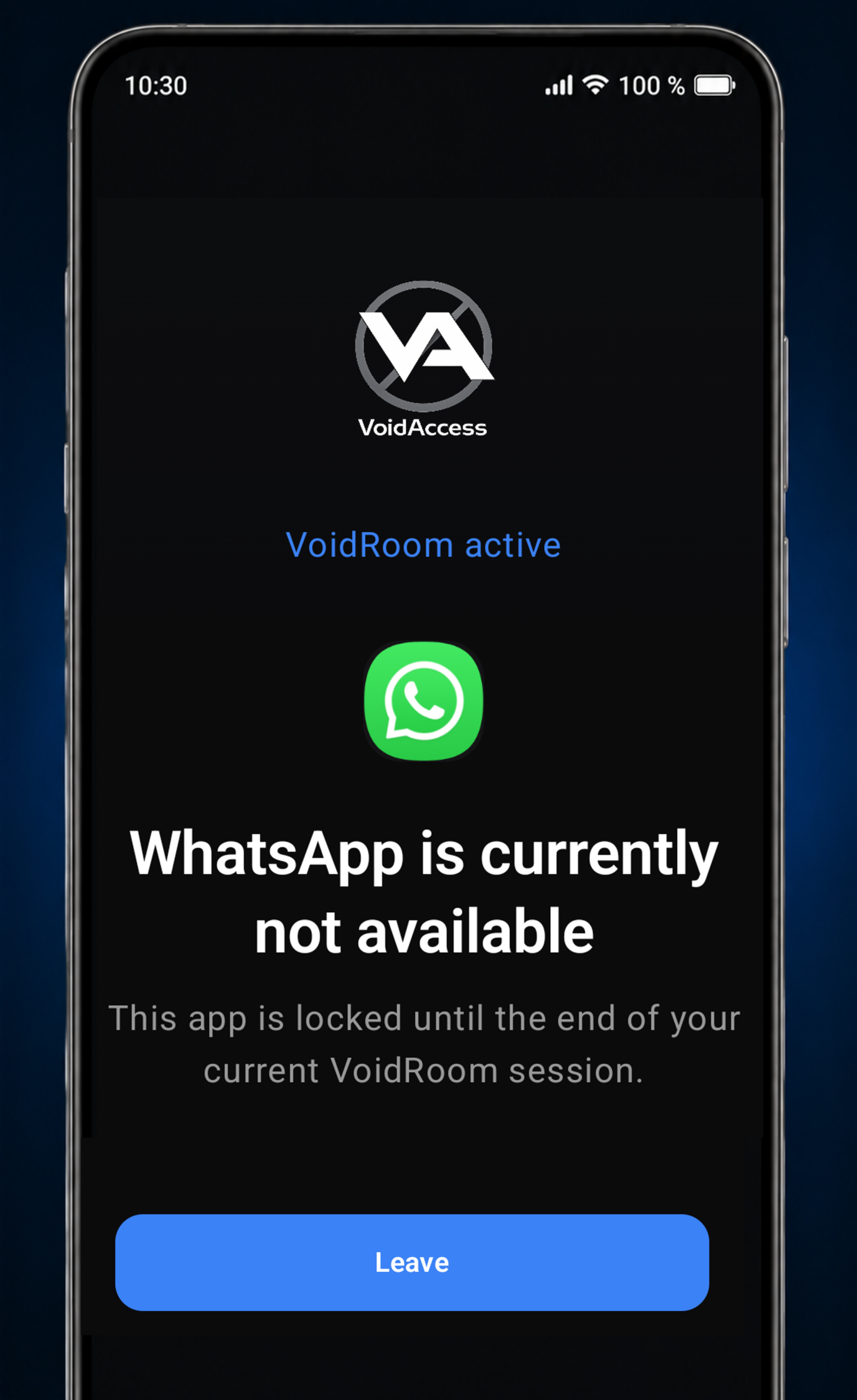
Blocked app screen

Stay with your own decision

When a selected app is blocked, VoidAccess reminds you of the limit you set for yourself.

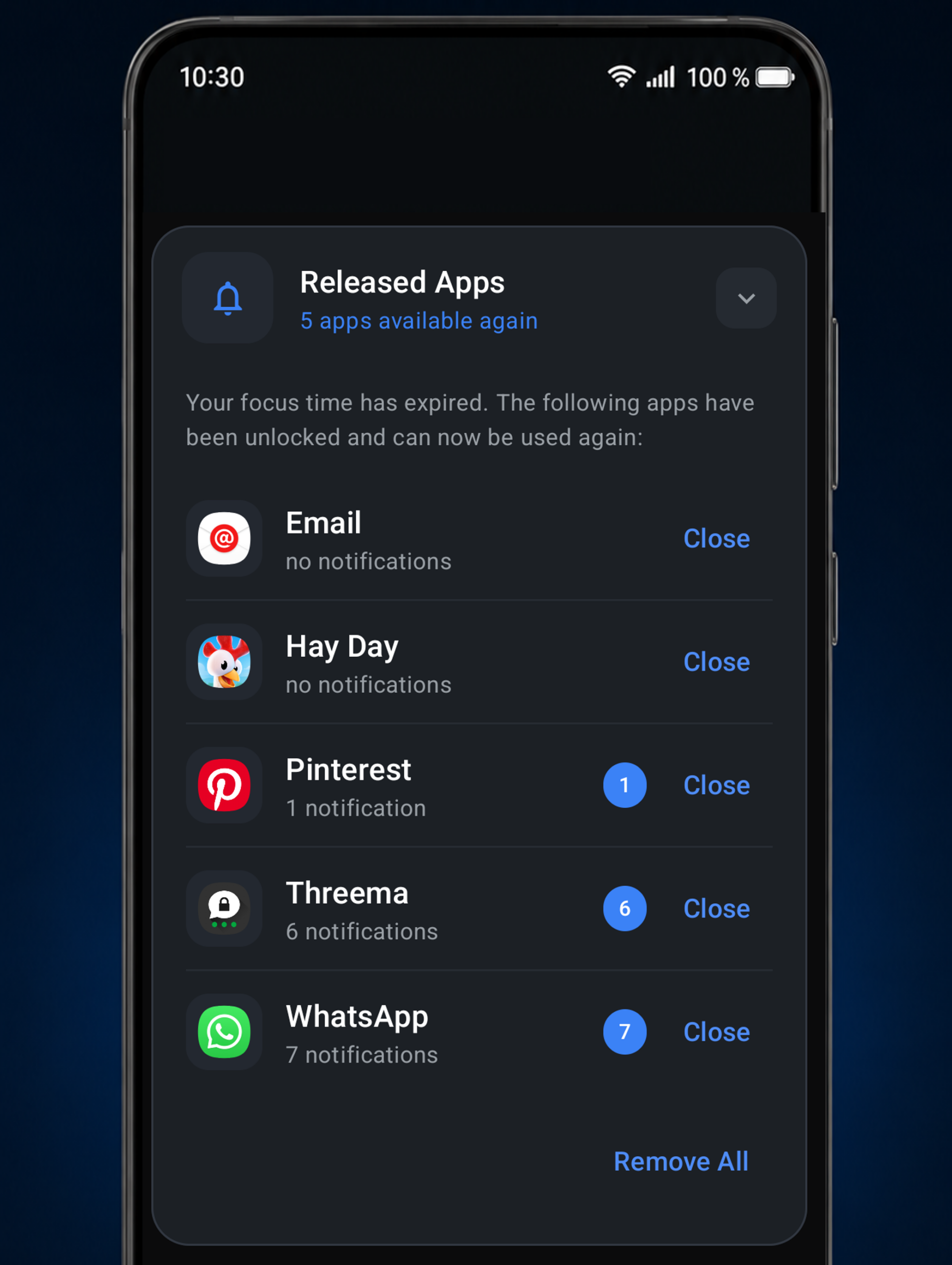
Release summary placeholder

Everything at a glance - after your session.

When your VoidRoom ends, VoidAccess shows you all notifications received during your session, so you can review everything at once without interruptions while staying focused.

Know what's happening.

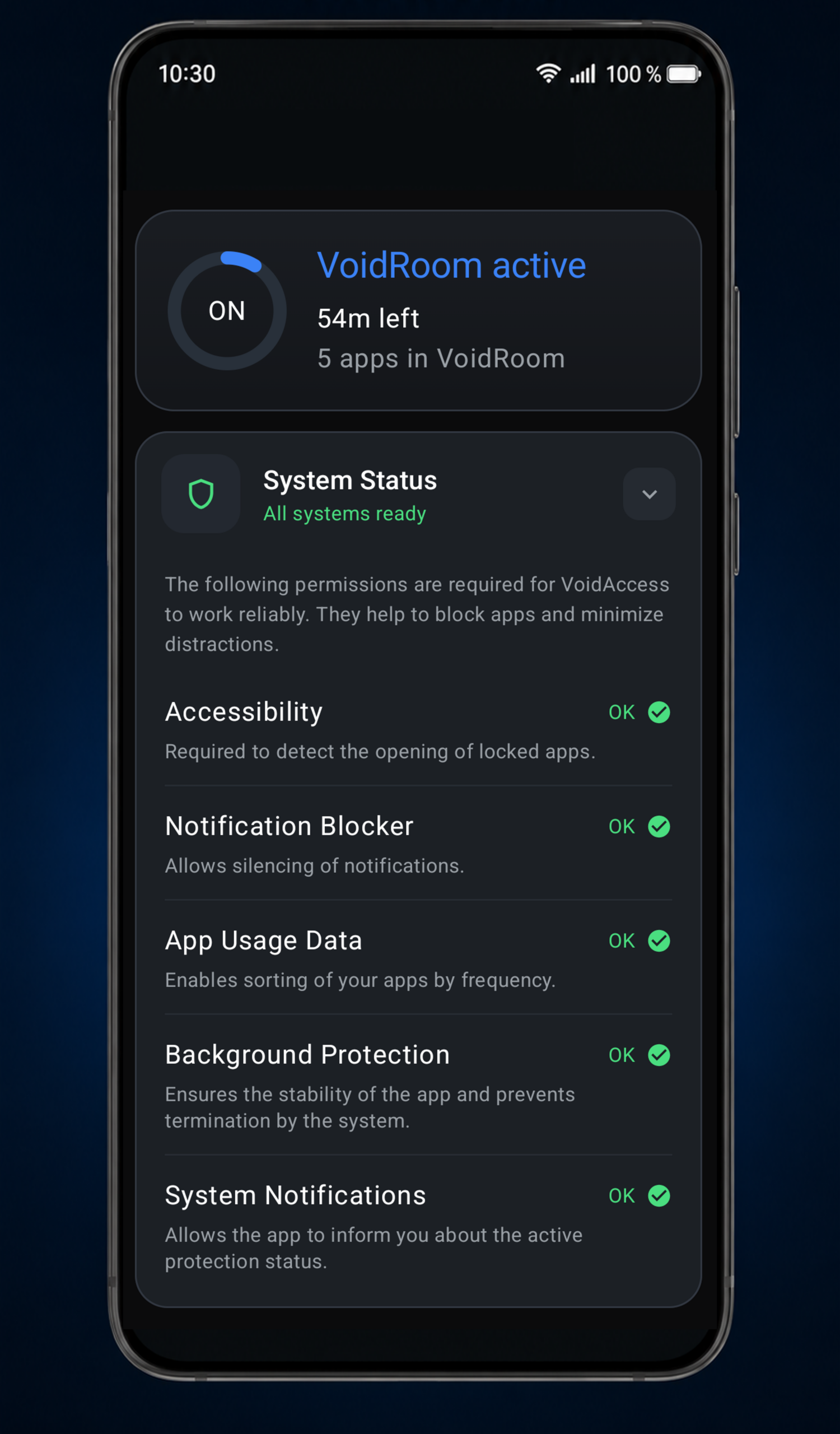
System status permissions

Accessibility is only used to detect and block the apps you choose. Your data stays on your device. No advertising. No hidden trackers. No cloud. You always know what VoidAccess does.

Download placeholder.

Coming to Google Play

This area is reserved for your future Google Play link. The most common setup is a Google Play button plus an optional QR code for desktop visitors.

Google Play link later

Later: replace the # with your Play Store URL.

Google Play placeholder

About Friction Systems.

Friction Systems develops VoidAccess. Our goal is to help people protect their attention through software that respects privacy and keeps everything on your device. VoidAccess is free to use. You only pay if you choose to unlock your own lock before it ends. Those purchases help support the ongoing development of the app.